
Presentation laser pointer tips: 10 ways to look calm and in control
From holding the laser steady to recovering when it fails mid-talk: ten practical tips for using a presentation laser pointer with confidence.
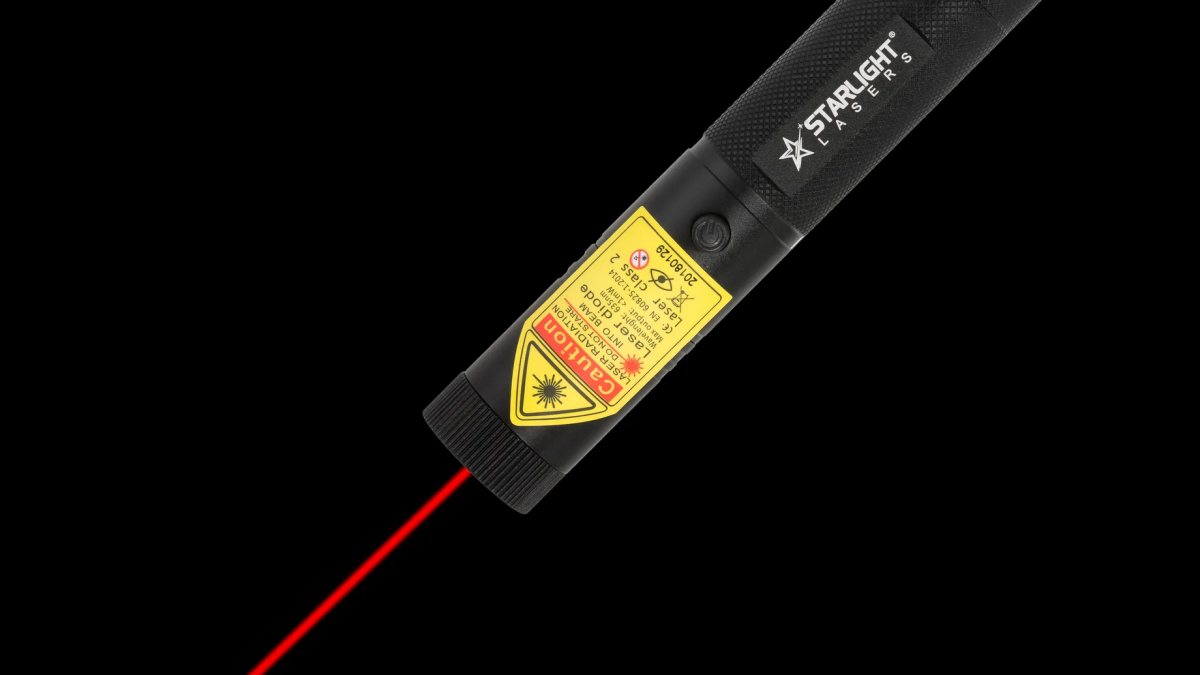
A laser pointer can make a presentation clearer and calmer, or it can turn into a nervous, jittery dot that distracts everyone. The difference is not the laser; it is how you use it. Whether you are a student giving your first seminar, a teacher in front of a class or a manager presenting the quarterly figures, these ten tips will help you point with confidence.
1. Choose the right laser for the room
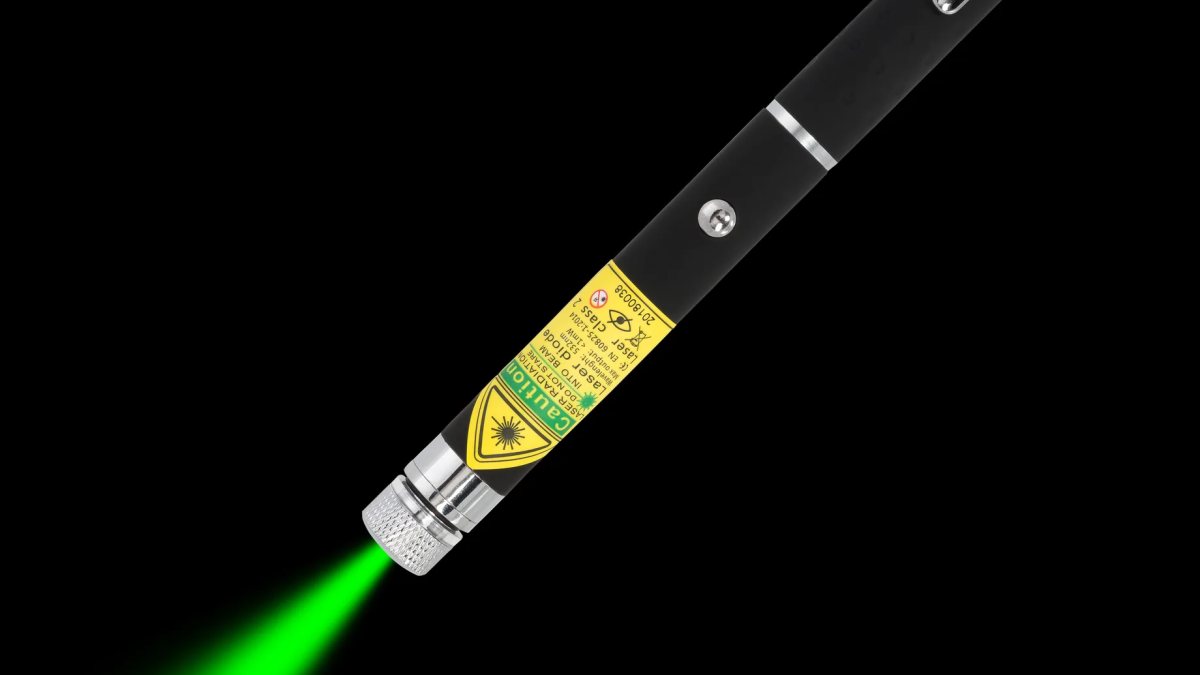
For an ordinary meeting room or classroom, a red laser works well. It is calm on the screen and familiar to the audience. The M1 red laser pen is the classic choice. In a large hall, with a very bright projector or a giant screen, a green dot is easier for the back rows to follow, because our eyes see green as much brighter. The X1 green laser pen handles that. If you present daily, a rechargeable laser such as the R2 Pro saves you from flat batteries.
2. Check it the night before
Nothing undermines confidence like a laser that will not switch on. The evening before your talk, press the button. Is the dot bright? If you use AAA batteries, keep a fresh pair in your bag. If your laser is rechargeable, charge the battery overnight.
3. Test the room
Arrive early and try the laser on the actual screen from where you will stand. Then walk to the back row and ask someone to point while you watch. Can you see the dot clearly? If not, consider switching colour or dimming the lights slightly.
4. Point less than you think
The biggest mistake is leaving the laser on all the time. A dot that wanders across the slide while you speak pulls attention away from you. Use the laser like punctuation: switch on, point at one thing, explain it, switch off. Most good presenters use the laser only a handful of times per talk.
5. Keep the dot steady
Nerves show up in a shaking dot, magnified across the screen. To keep it steady, tuck your elbow against your body, or hold the laser with both hands like a torch. Point at the target and hold still for a second or two. If your hand is shaking badly, it is fine to circle the item slowly rather than trying to hold a perfect point.
6. Circle, underline, then stop
Slow, deliberate movements look confident. Draw a calm circle around a number, or underline a line of text once. Avoid zigzags, fast shaking and tracing every word in a sentence. Once you have made your point, switch off.
7. Talk to the people, not the screen
The whole point of a laser is that you do not have to turn your back. Glance at the screen to place the dot, then look back at your audience while you explain. Your voice carries better, and people stay engaged.
8. Never point at the audience
It may seem funny to flick the dot at a colleague, but it is unsafe and it looks unprofessional. Keep the beam on the screen at all times. When you lower your hand, release the button first. Our lasers are class 2, the consumer class, but no laser should ever go near someone's eyes.
9. Design slides that are easy to point at
A laser works best when there is something clear to point at. Use large fonts, simple charts with few lines, and highlight key numbers. If you have to hunt for a tiny figure in a dense table, the dot will wander. Fewer words, bigger visuals.
10. Have a plan B
Batteries can die at the worst moment. If the laser stops working, do not panic or shake it at the screen. Smile, put it away and point with your hand or use the mouse cursor. Describing the location in words ("the blue bar on the right") also works. Your audience will remember how calmly you handled it, not the laser.
Bonus: online and hybrid talks
If your presentation is also streamed, remote viewers often cannot see the laser dot on the screen. Use the pointer or highlighter in your presentation software for them, and keep the physical laser for the people in the room. Make sure you know how both work before you start.
A word on nerves
Almost everyone feels nervous before a talk. A laser can actually help: pointing gives you a reason to pause, look at the slide and gather your thoughts. Take a breath while the dot rests on the chart, then turn back to the room.
Which laser for which presenter?
| Presenter | Laser | Why |
|---|---|---|
| Student, occasional talks | M1 | Simple, slim, AAA batteries |
| Teacher, daily lessons | R1 Pro | Rechargeable, safety key |
| Consultant on the road | R2 Pro | Rechargeable mini |
| Lecturer in a big hall | X1 | Bright green dot |
Safety in the classroom and office
A few simple habits keep everyone safe: point only at the screen, switch off between points, and store the laser in a drawer rather than leaving it on a desk where students or children might play with it. On models with a safety key, take the key out at the end of the day. Read our laser pointer safety page for the full list.
Summary
Choose a laser that suits the room, check it in advance, point sparingly and steadily, and keep your eyes on your audience. Do that, and your laser becomes a quiet helper that makes you look calm and in control. For help choosing, see our laser presentation pointer guide or browse the red laser pens.
More articles
Blog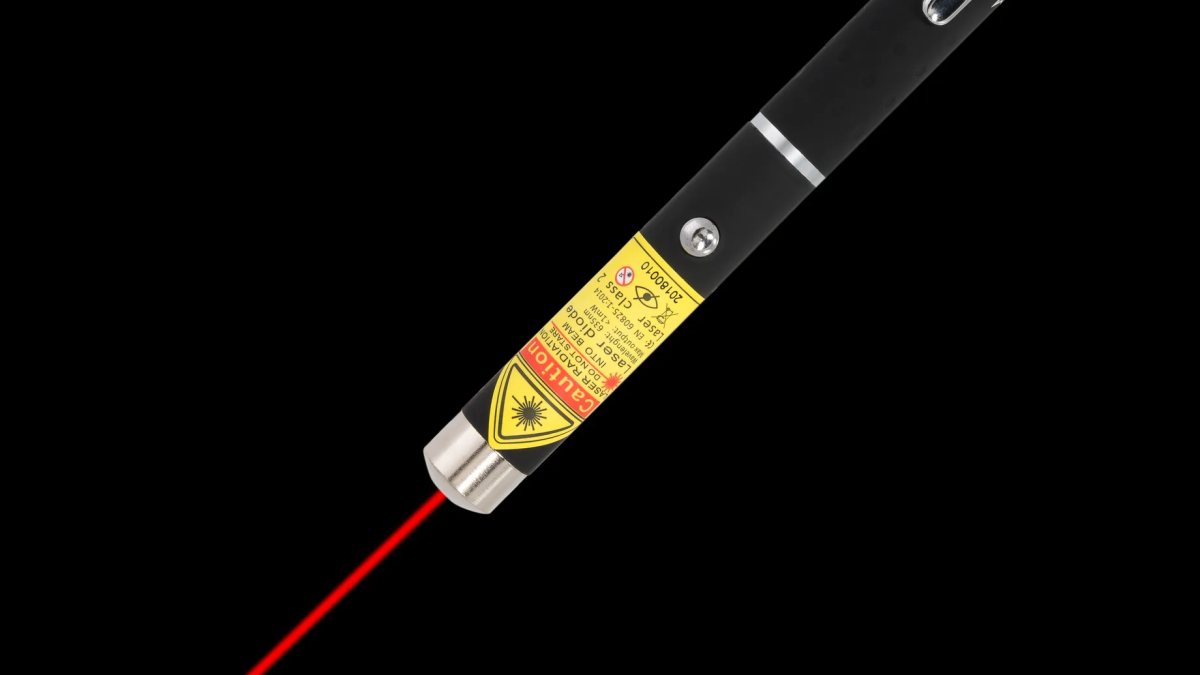
Laser pointer and cats: is it safe, and how do you play without frustration?
Cats adore chasing a laser dot, but there is a right and a wrong way to play. Our guide to safe, satisfying la…
Laser pointer gift guide: the right laser for every person on your list
Stuck for a present? Our gift guide matches the right laser to the cat lover, the teacher, the stargazer, the…
Which laser colour suits your home? Red, green or purple explained simply
Red for slides and calm cat games, green for brightness and the garden, purple for glow fun. A simple guide to…